What's New
Hi — welcome back. It's been a quiet few months on the outside, but behind the scenes we have not been resting. We spent the offseason rebuilding big chunks of the studio and adding the kind of things you've been asking for. Here's what's waiting for you now — with so much more right around the corner.
See your nutcracker for real
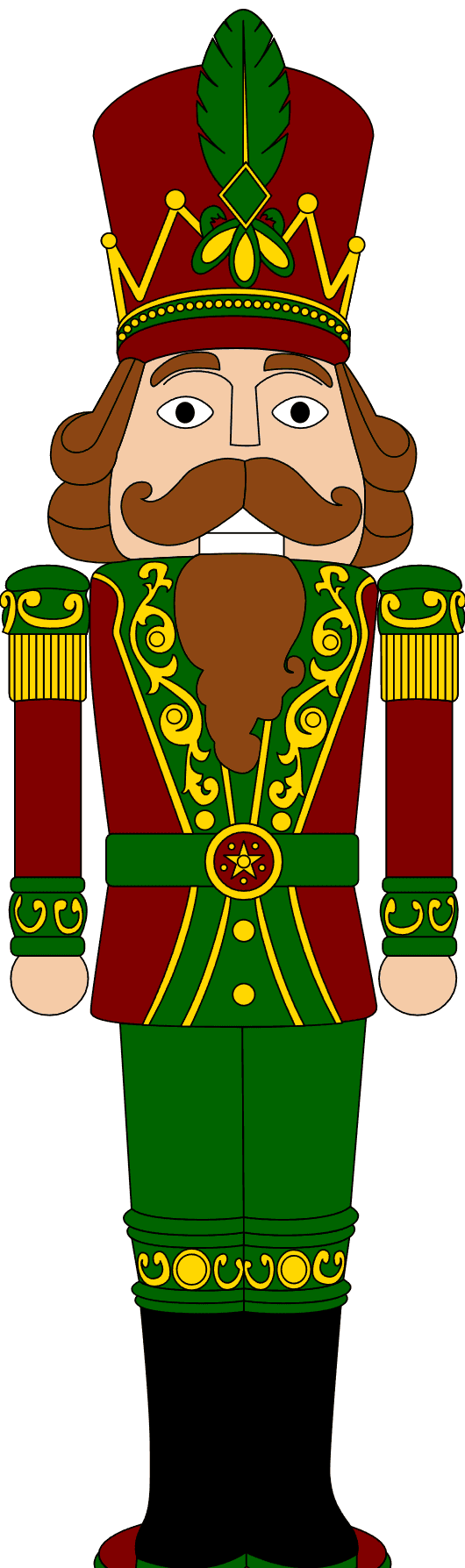
The biggest one. You can now take your flat, painted design and turn it into a realistic preview of what it'd look like as an actual painted nutcracker — finish, depth, the works. Pick a look from the sample thumbnails before you commit, choose your output shape, and everything you make lands in your own My Visualizations gallery so you can find it again. We also moved to a sharper, faster engine under the hood, so results look better and come back quicker.

Never lose your work
When you're signed in, your designs now live in My Work, and you can reopen any of them right back into the editor and keep painting where you left off. Autosave got a lot smarter too — it saves as you go instead of only when you leave — so a stray refresh won't cost you an afternoon.
Meet acorns
You might spot a little acorn count in your account. Acorns are what power the studio's new generation tools — realistic previews, backgrounds, materials. The short version: they let us keep the heavy lifting sustainable while everyday painting stays free. Everyone gets a stash to start, subscribers get a monthly refill, and you can top up any time you're on a roll. We tried hard to be genuinely generous about it — here's exactly how it works.
Studio tools, easier than ever
Fills and finishes got a real glow-up. Ask for a material and you get a handful of options to pick from, not one — and the fill picker now has proper search, so you jump straight to the color or texture you want instead of scrolling for it. Getting started is friendlier too: a new "choose your nutcracker" front door to browse and preview before you dive in, plus real keyboard shortcuts (eyedropper, quick-add a color, jump to search) with a cheatsheet when you forget them.
Try more than one variation
Can't pick just one? You can now spin up several variations of a design under a single project and flip between them side by side — a red coat vs. a green one, classic vs. wild — without losing any of them.
Every design gets its own page
Every design now has a detail page of its own — the finished look, a realistic render if you've made one, the full paint list, and the materials with buy links. Share the link and anyone can see exactly how it's made — or open it up to paint their own spin.
A cozier look
You might notice the studio looks a little warmer and cozier than you remember — that's on purpose, it's our new default. Prefer the classic look? It's a toggle — switch back anytime.
And there's more coming
This is a fraction of what we've been up to, and we're just getting going — we're rolling out something new (fresh features and templates) almost every day for the next couple weeks. Want to catch each drop? You can sign up for updates here. No spam, just the good stuff.
Thanks for painting with us. Genuinely — it's the whole reason any of this exists.